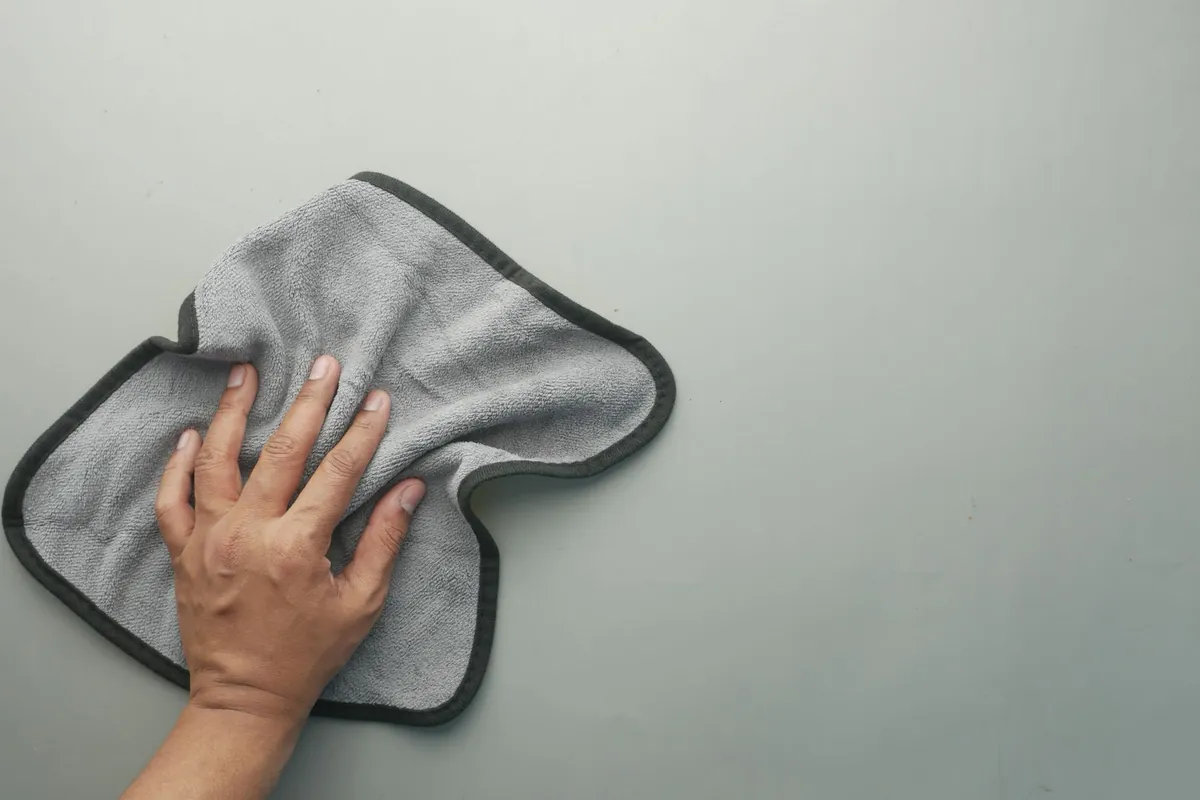
Short answer: wipe the inside of your LED face mask after each session with a soft, slightly damp cloth, let it air-dry, and store it in its pouch. Never rinse it under the tap or submerge it: there are electronics inside. Use only cleaning products your mask’s instructions allow. Store it somewhere cool and dry, charge it with the cable it came with, and stop using it if the cable or controller is damaged.
Why cleaning matters
An LED mask rests against clean skin, but skin still leaves natural oils behind, and any leftover product adds to them. Over time that residue builds up on the inside surface. Cleaning keeps the mask hygienic and pleasant to wear. It also stops a film building up over the LEDs. A review of light therapy in skin notes that residue can interfere with light reaching the skin, which is the same reason you use a mask on clean skin in the first place.
How to clean an LED face mask, step by step
- Switch it off and disconnect it from the controller or charger, if your mask allows.
- Dampen a soft cloth with plain water. Wring it out well: damp, not wet.
- Wipe the inside of the mask gently, including around the eye and nose openings. Do not scrub the LEDs.
- Wipe the eye covers and straps if they come into contact with skin.
- Wipe the outside occasionally, along with the controller and cable.
- Air-dry for a few minutes with the inside facing up before you put it away.
- Store it in its pouch or case.
What to avoid
- Rinsing or submerging. Water and electronics do not mix. Never run a mask under the tap, soak it or put it in a dishwasher.
- Cleaning products your instructions do not allow. Harsh cleaners, solvents and abrasive pads can damage finishes, seals and electronics. If you are not sure, water on a soft cloth is enough.
- Heat to speed up drying. No hair dryers, radiators or sunny windowsills.
- Sharing your mask. It sits on bare skin, so treat it like a toothbrush.
How often to clean it
- After every session: a quick wipe of the inside. It takes less than a minute.
- Every week or two: a more careful wipe of the straps, eye covers, outside, controller and cable.
- Straight away: if any product or makeup got onto the mask.
Storage
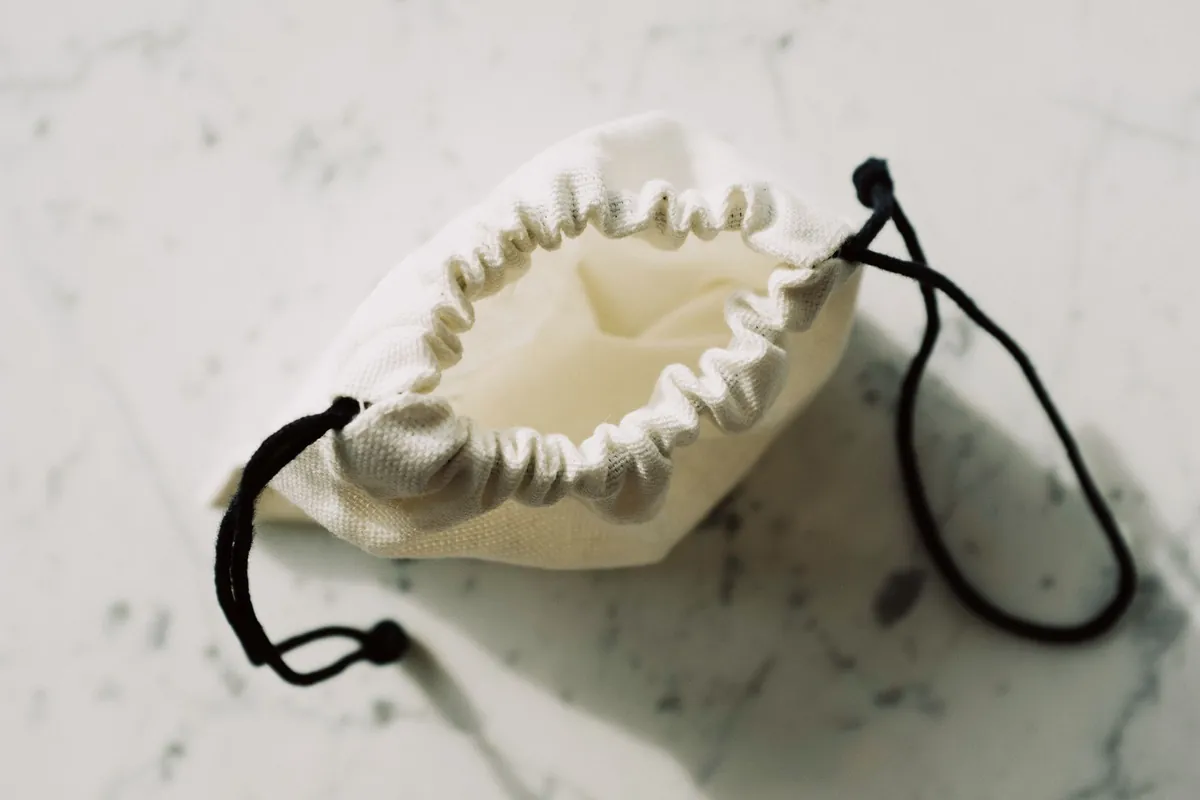
Where you keep your mask affects how long it stays in good condition:
- Use the pouch or case. It keeps dust off the LEDs and protects the surface.
- Keep it cool and dry. Consumer battery-safety guidance, such as New York State’s lithium-ion safety guide, advises storing batteries at room temperature, out of direct sunlight and away from hot surfaces. Do not leave the mask or controller in a hot car.
- Store it flat or loosely folded, following the instructions. Avoid crushing it under heavy items.
- Keep it where you will see it. A mask in the back of a cupboard does not get used.
Charging and cable care
Rechargeable masks usually use a lithium-ion battery, so a few simple habits help:
- Use the cable that came with it, or a compatible one. The US Consumer Product Safety Commission has long warned against incompatible batteries and chargers.
- Charge on a hard, clear surface. The same New York guide advises against charging small devices under your pillow, on your bed or on a couch, and against leaving devices charging while you sleep.
- Do not charge in extreme heat or cold.
- Check the cable now and then. Do not wrap it tightly around the controller, and do not pull the mask off by the cable.
- Stop using it if something is damaged: a frayed cable, a swollen or cracked controller, overheating or a burning smell. Contact the seller.
When something stops working
If some LEDs stop lighting, the battery stops holding a charge or the controller fails, do not try to open or repair it yourself. Contact the seller. Opening a mask usually voids the warranty and can be unsafe with a lithium battery inside.
Caring for Lumina Pro

For the Rosune Lumina Pro, wipe the inside of the silicone with a soft, slightly damp cloth after each session. Let it air-dry, then put it back in its storage pouch. Never rinse it under the tap or submerge it. Charge the controller with the USB-C cable included in the box.
Every Lumina Pro is covered for 90 days from delivery against failure in normal use: LEDs that stop lighting, a controller that will not hold its charge, or a strap or cable that gives out. Send us your order number and a photo, and we send a replacement. The warranty does not cover drops, knocks, crushing, water damage, or a mask that has been opened up or modified. That is one more reason never to submerge it. Details are in our returns and warranty policy. Lumina Pro is a general-wellness device and is not FDA-cleared.
Frequently asked questions
Can I use alcohol wipes on my LED mask?
Only if your mask’s instructions say so. Otherwise, a soft cloth dampened with plain water is the safe choice.
Can I wash an LED mask with water?
Not under the tap or by soaking. Wipe it with a damp, well-wrung cloth instead, and let it air-dry.
How do I clean the straps?
Wipe them with a damp cloth. If they detach and the instructions allow washing them, let them dry fully before reattaching.
Why is my mask sticky inside?
Usually a build-up of skin oils or product. Wipe it with a damp cloth after each session, and always use the mask on clean, dry skin.